> For the complete documentation index, see [llms.txt](https://helpwith.salesorder.com/llms.txt). Markdown versions of documentation pages are available by appending `.md` to page URLs; this page is available as [Markdown](https://helpwith.salesorder.com/trade-acceleration-portal-2.0/tap-ux/blocks/title.md).
# Title
Media[Title Block](https://app.storylane.io/share/k76ggxj8a7bh)
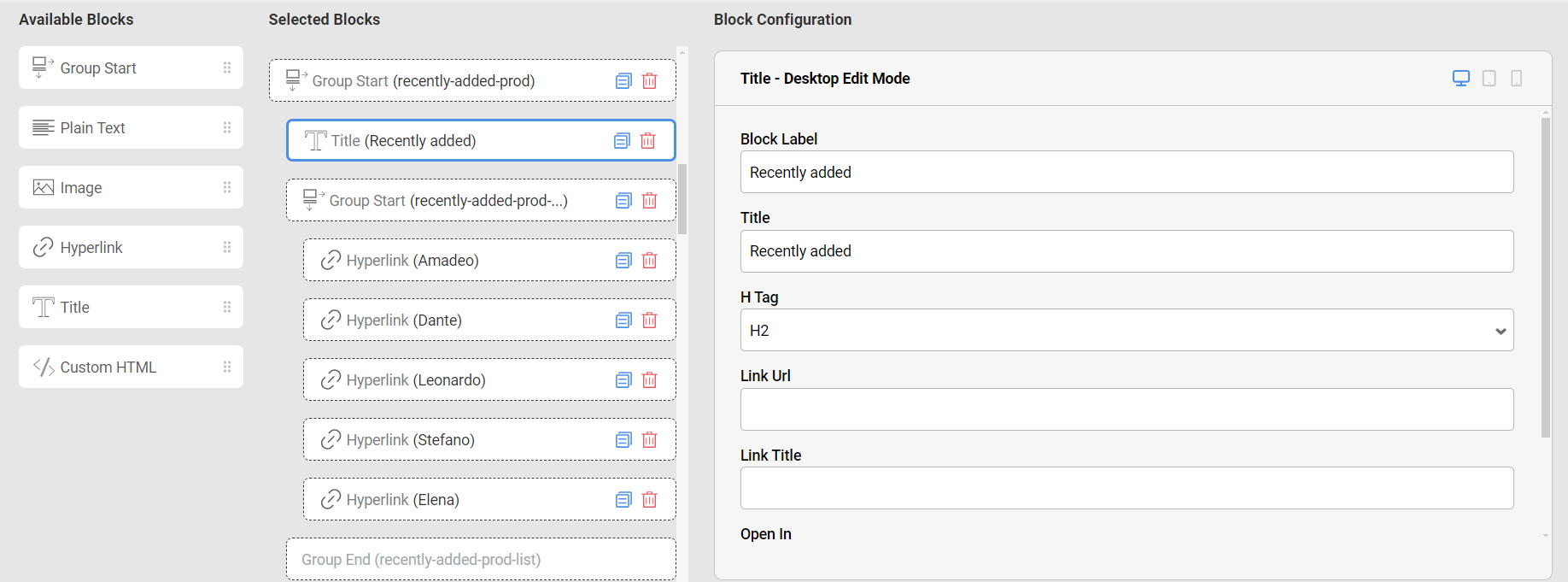
Title Block on the CMS
A 'Title Block' allows you to insert and display a prominent title or headline on your webpage.
This Block is typically available on most pages and comes with basic and advanced configuration options.
When you add a 'Title Block' to the Selected Blocks list, you can enter the title text and customize its appearance, such as font size, color, and alignment.
Use the configuration options to ensure the title stands out and effectively communicates the purpose or theme of the page.
 [Title Block](https://app.storylane.io/share/k76ggxj8a7bh)